![]()
Exploring IMG Format
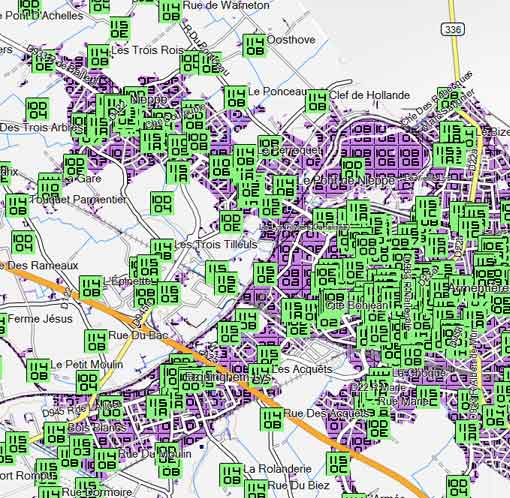
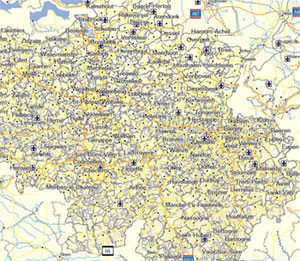
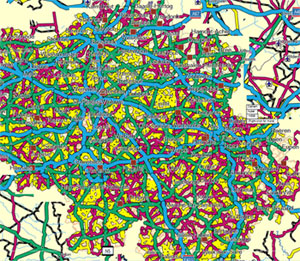
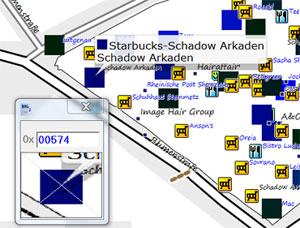
To help anyone Interested in reading those daunting IMG files, our Exloring IMG Format shows you how to locate pois, highways and polygons and make sense of the TRE ,RGN and LBL subfiles.
What does IMG2TYP 1.6 do?
My IMG has no TYP file. How can I change the default Garmin style?
Why does a POI ,highway,or polygon not appear on my Garmin?
All IMG files contain information about polygons,highways and pois. However,if you use 3rd party IMG files, some types - areas,highways or pois- may not show up on your gps unit. This is because an IMG file ideally needs a unique TYP file to match the information it contains. Without such a TYP file only the default types are shown. Load your img into img2typ and check which POIs,Polygons etc ,are listed. It finds all the types used in your TOPO map and creates a TYP file which you can change. If they are listed in img2typ but still do not appear on your Garmin then your TYP file may hot include the POI,polygon or highway. The new version 1.6 of img2typ quickly loads larger img files and shows correct number of POIs.
|
types found in a Topo IMG file |
|
This GUI searches IMG files, locked or unlocked, even gmapsupp.img < 40 mb for information held in TRE. Original draworder of polygons is also maintained. Once created, you can customize the TYP file in TYPWiz. By making all elements invisible in TYPWiz ,you can incorporate a TOPO's hill shading (DEM) into your own IMG! Next, upload your TYP and IMG into Mapsource or your gps unit. Compatible with Garmin's GMP files.
|
|